Avery and the Monstera are an example. So are the chats, except the last reply, which is adapted from a real answer in the beta. The phone screens are the Android beta’s own, rebuilt from the app’s code.
Skip the story


Act one
Day one
Mar 18 · Act one · Spring
Day one
Avery brings home a Monstera with no label. This example follows its first year in the Petunia app.
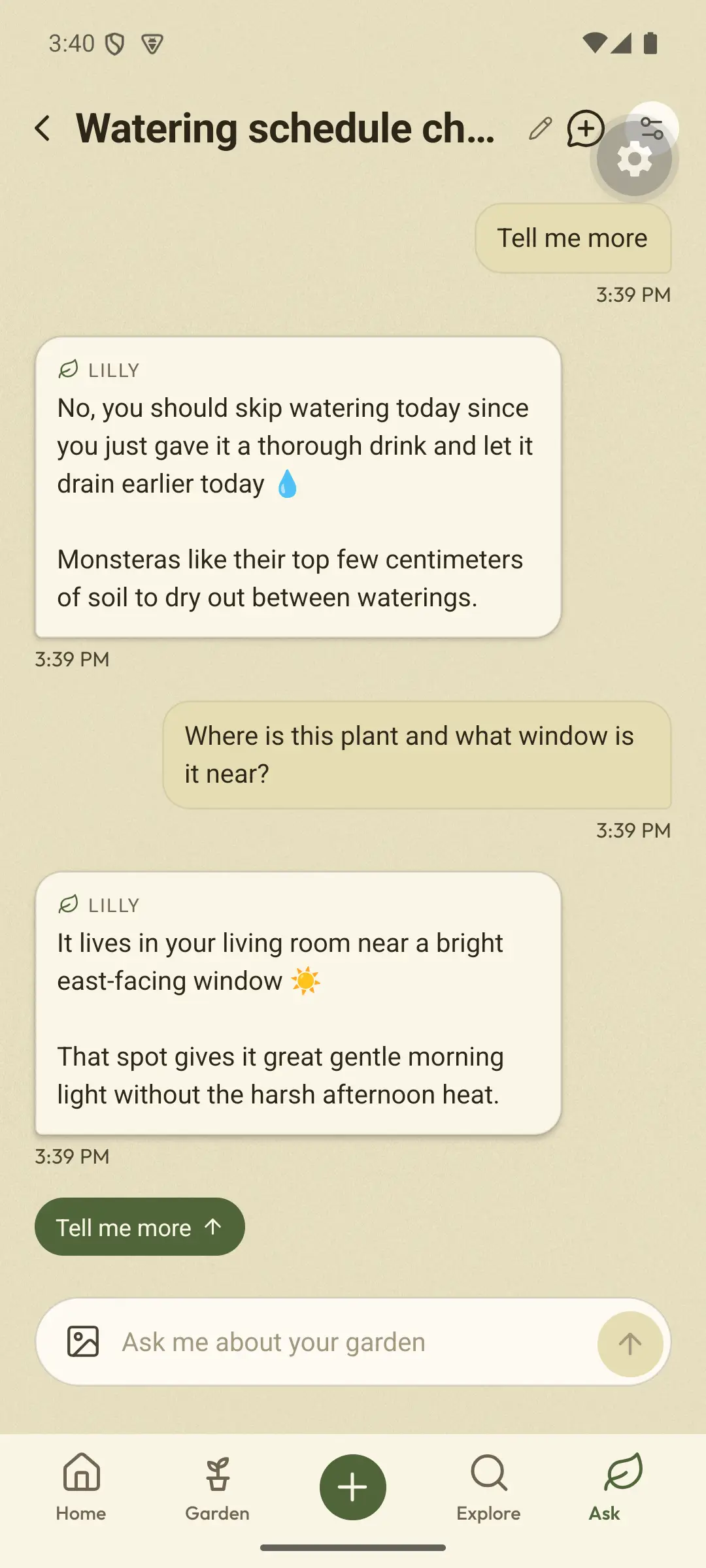
Petunia’s Home screen on day one: Welcome, Avery, early spring in Portland, and an empty garden. The add button opens the choice to identify a plant with the camera. Rebuilt from the app source code Mar 18 · Act one · Spring
What is it?
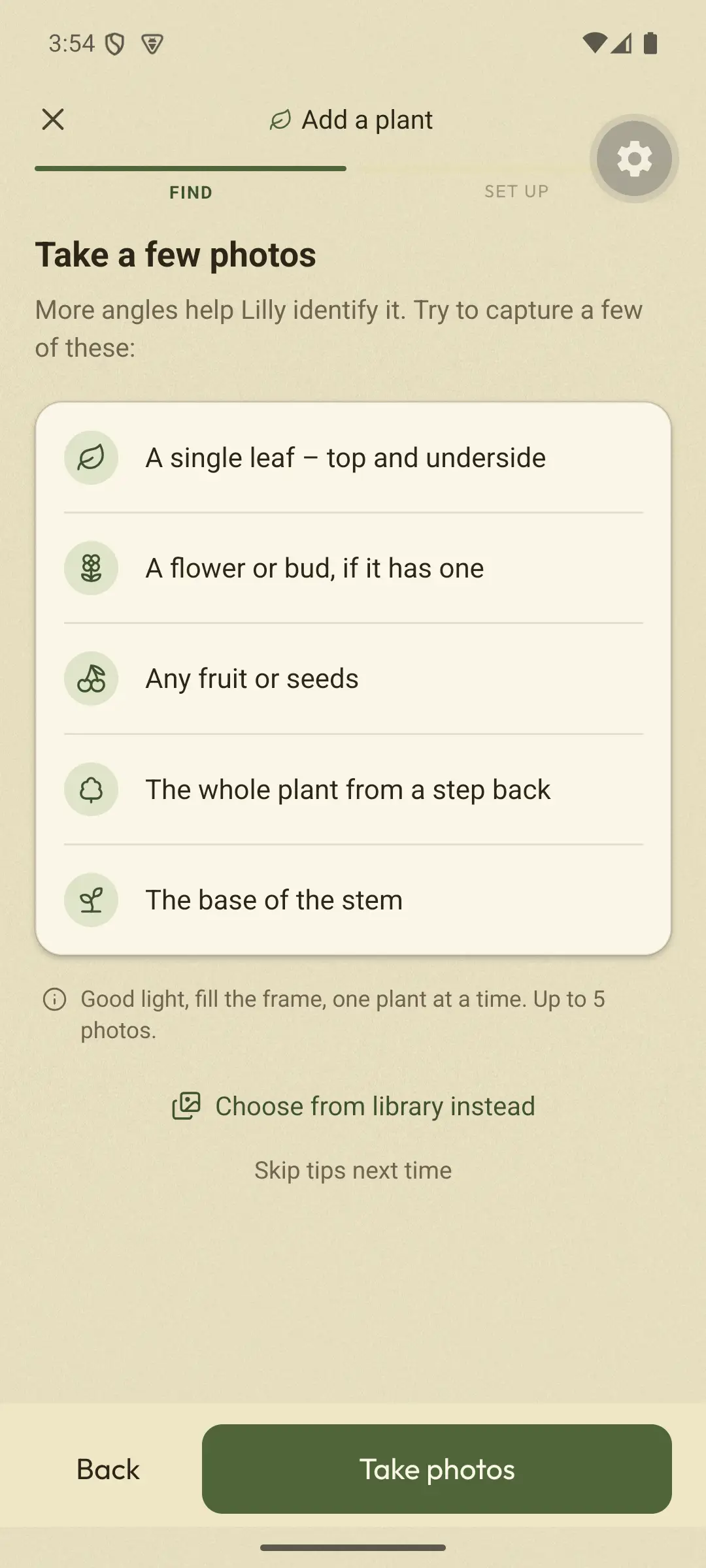
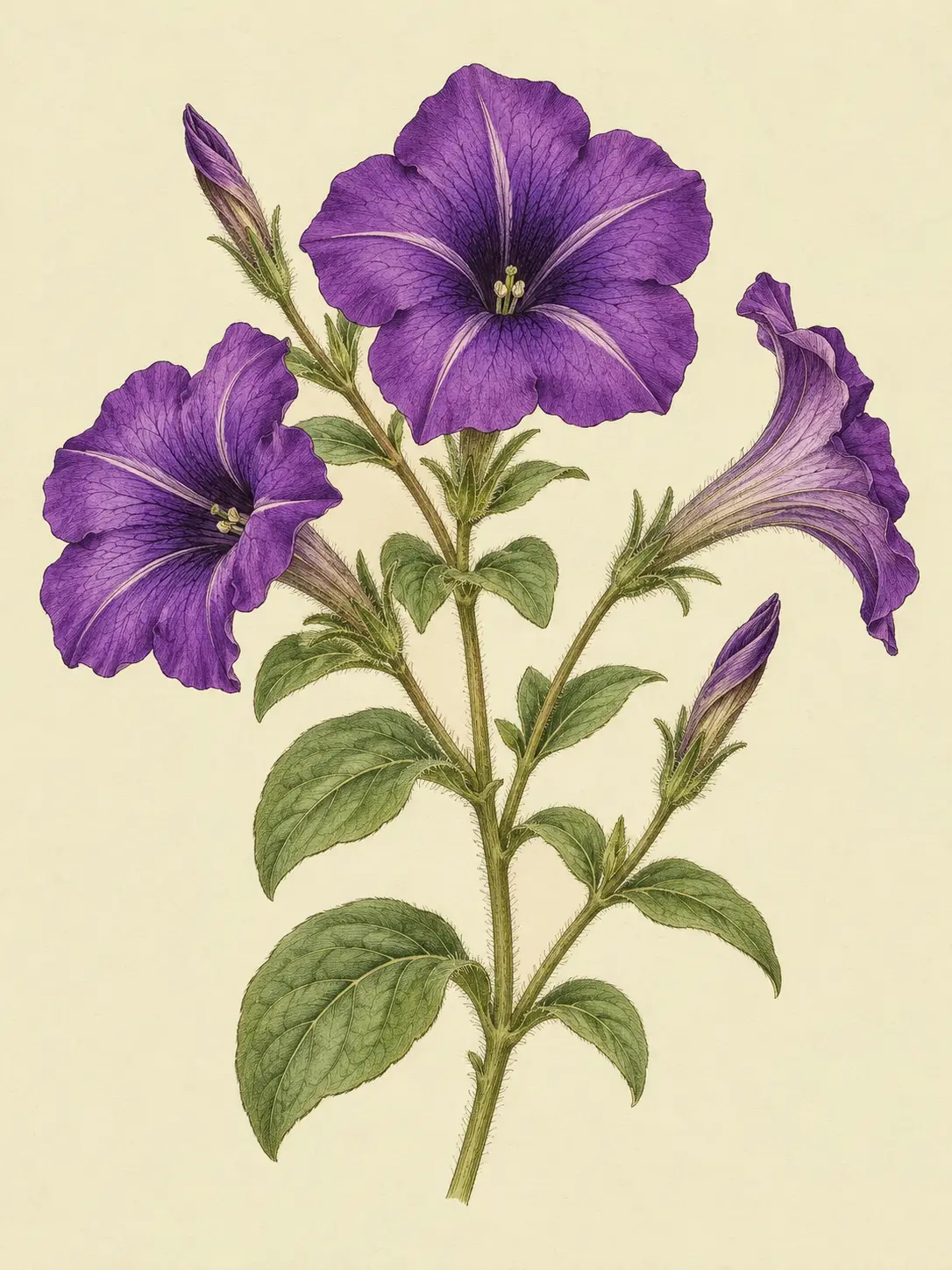
Avery takes a few photos of a leaf, and Petunia suggests a likely match: a Monstera.
Identifying the plant: a few photos of a leaf, Petunia looks at them, and its best guess is Monstera deliciosa. Yes, add it. Rebuilt from the app source code Mar 18 · Act one · Spring
Where it lives
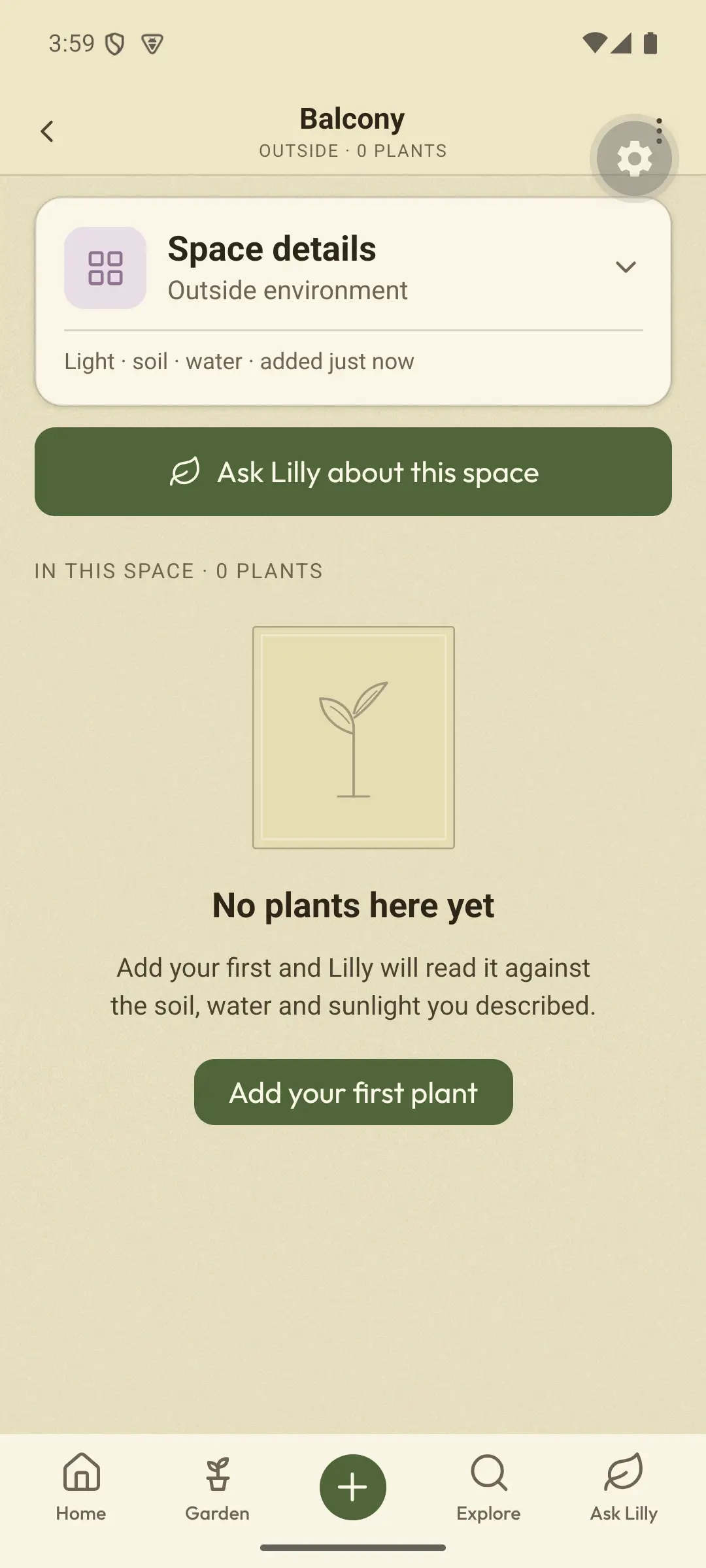
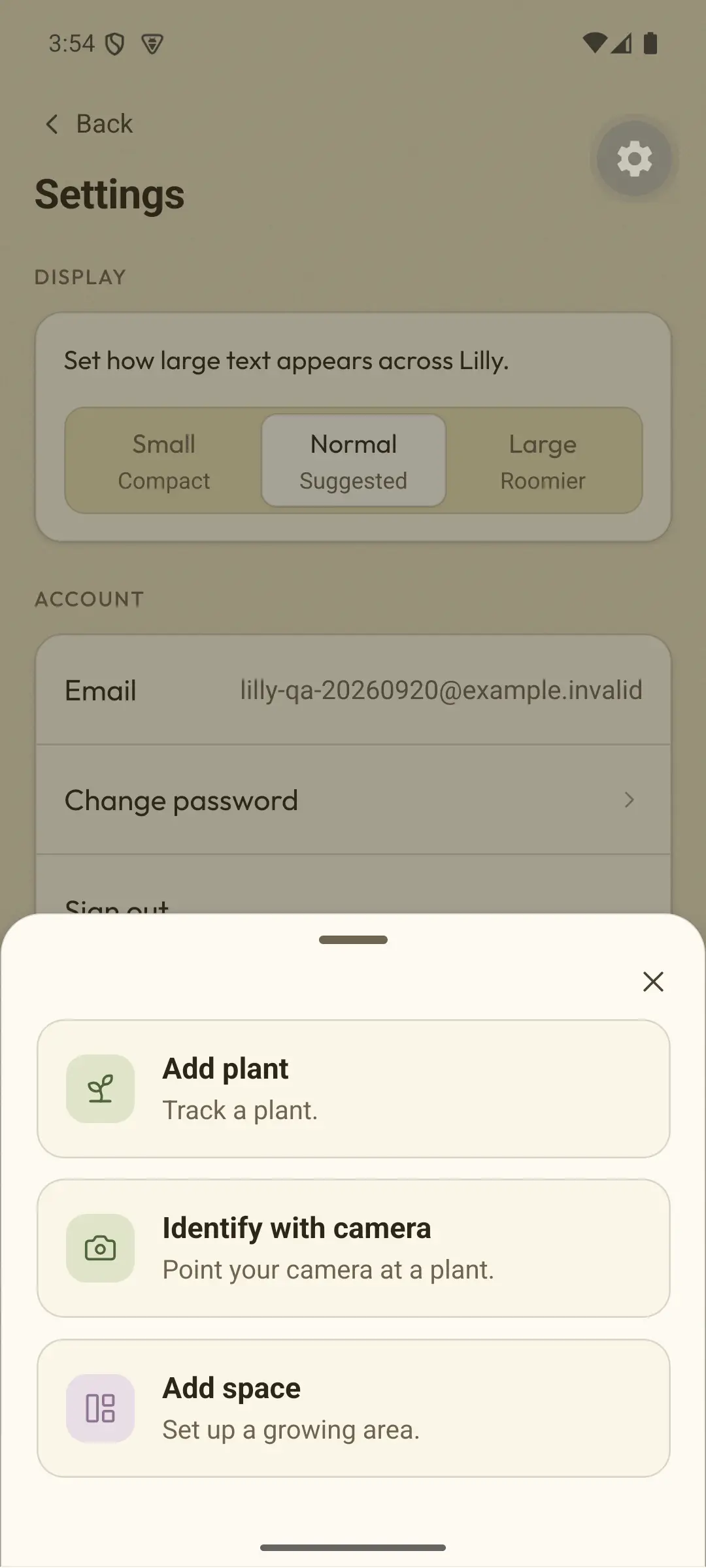
Avery tells Petunia where the plant lives: the living room, by an east-facing window.
Setting up the plant: a new space, inside, called Living room, with its window facing east; the growth stage Young plant and a note, From the Saturday market. No tag. Then Petunia: your Monstera is planted and I’m already taking notes. Rebuilt from the app source code Mar 19 · Act one · Spring
How much water?
On day two, Avery asks Petunia how much to water it.
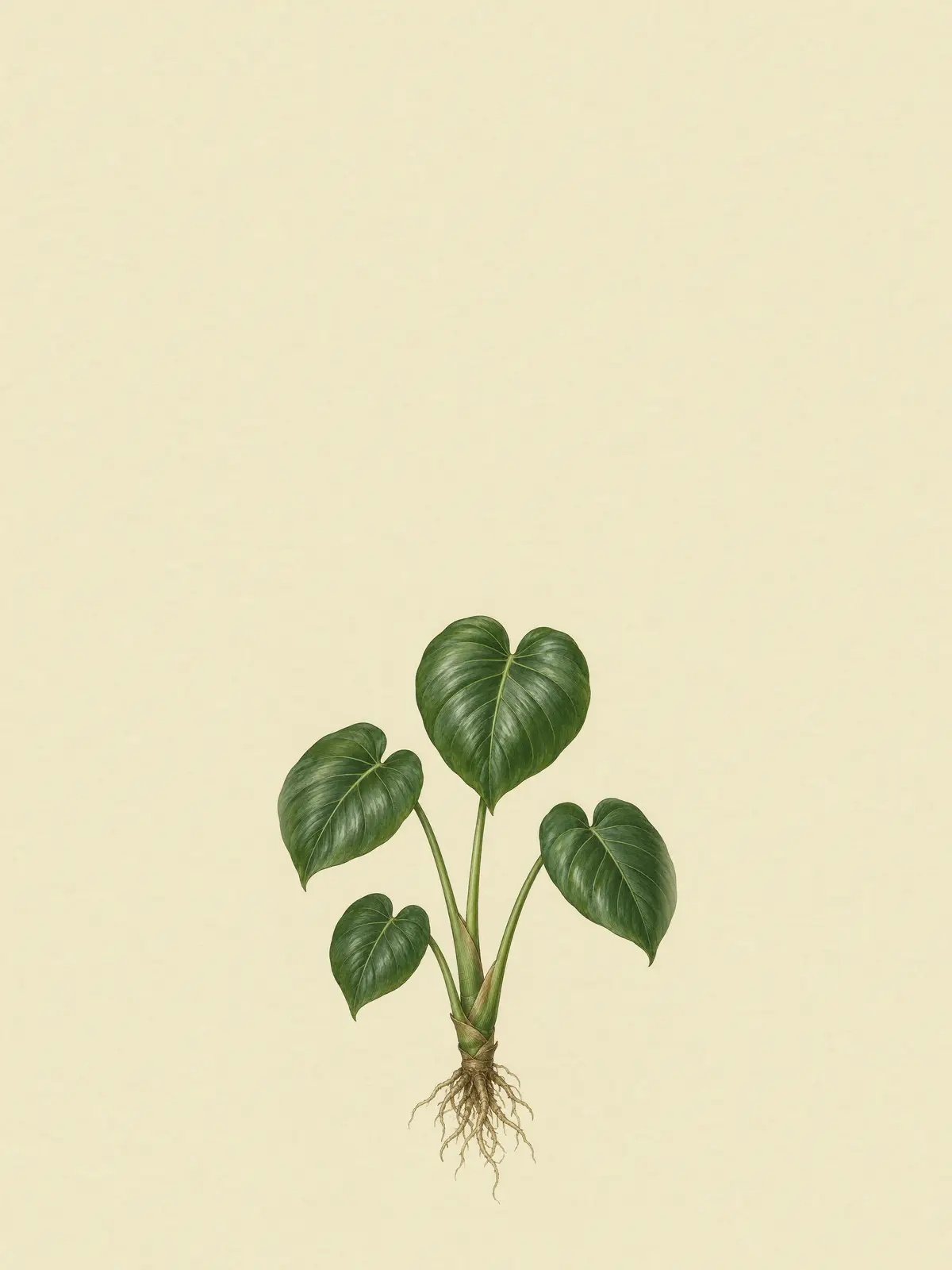
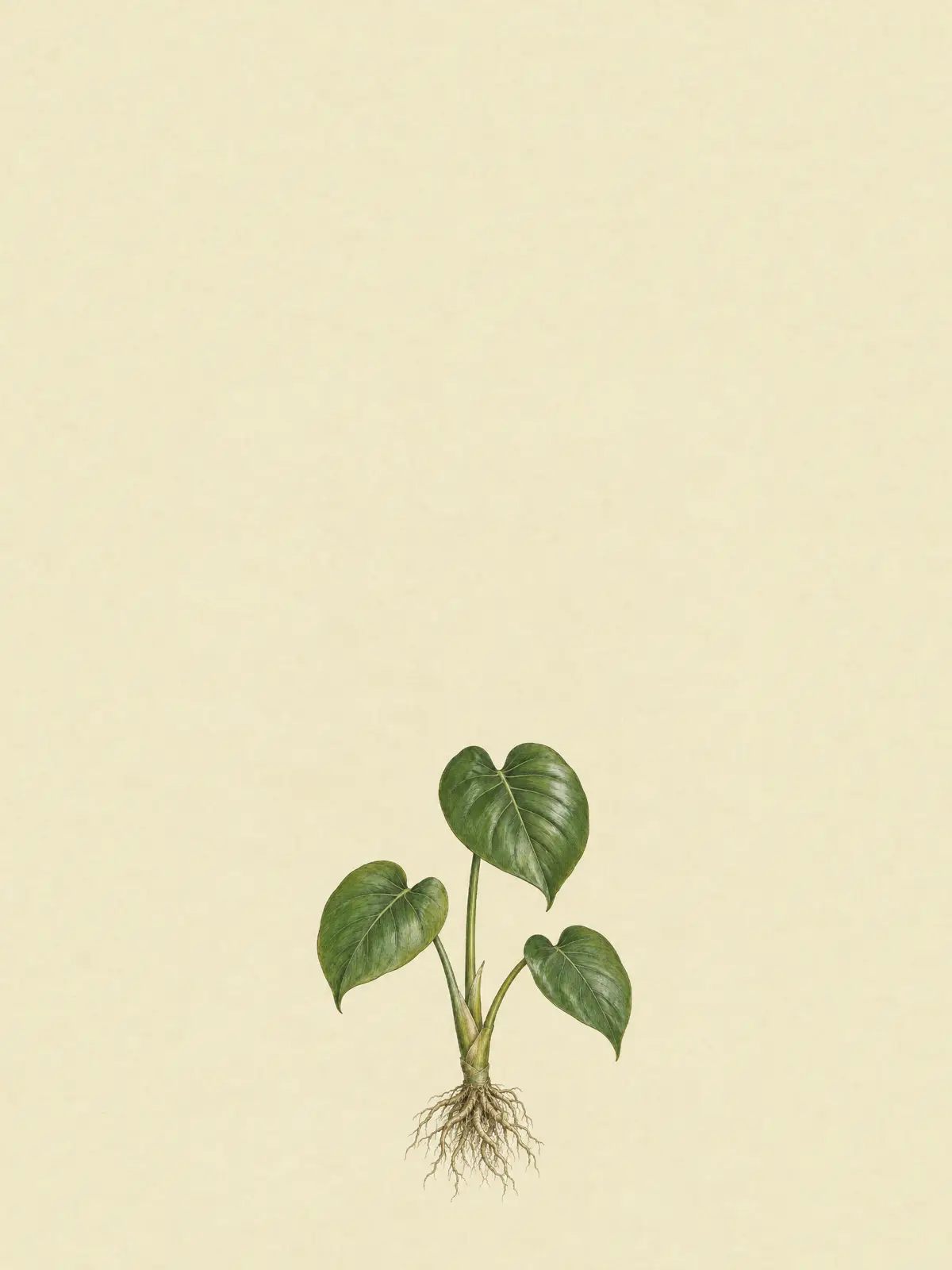
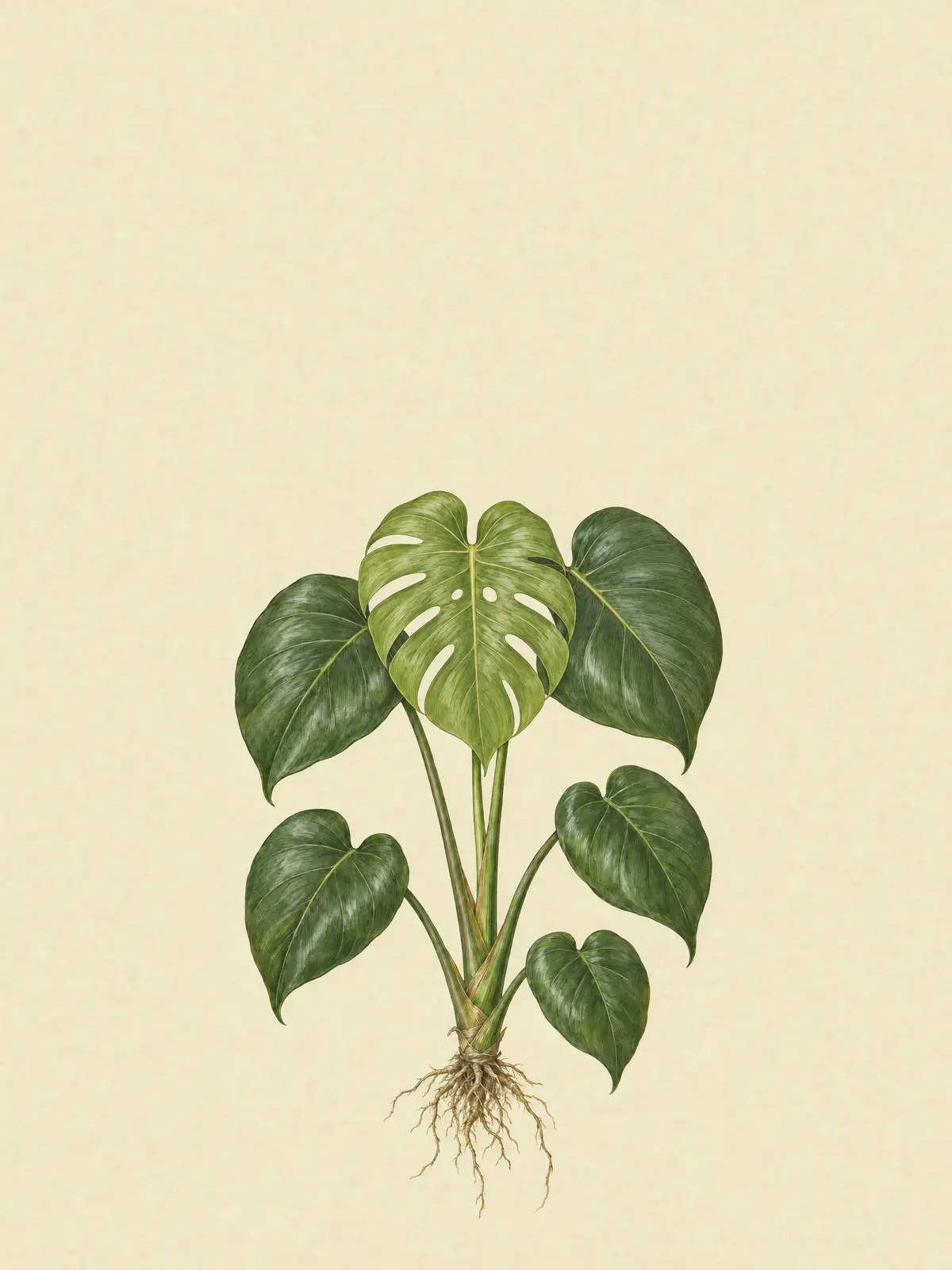
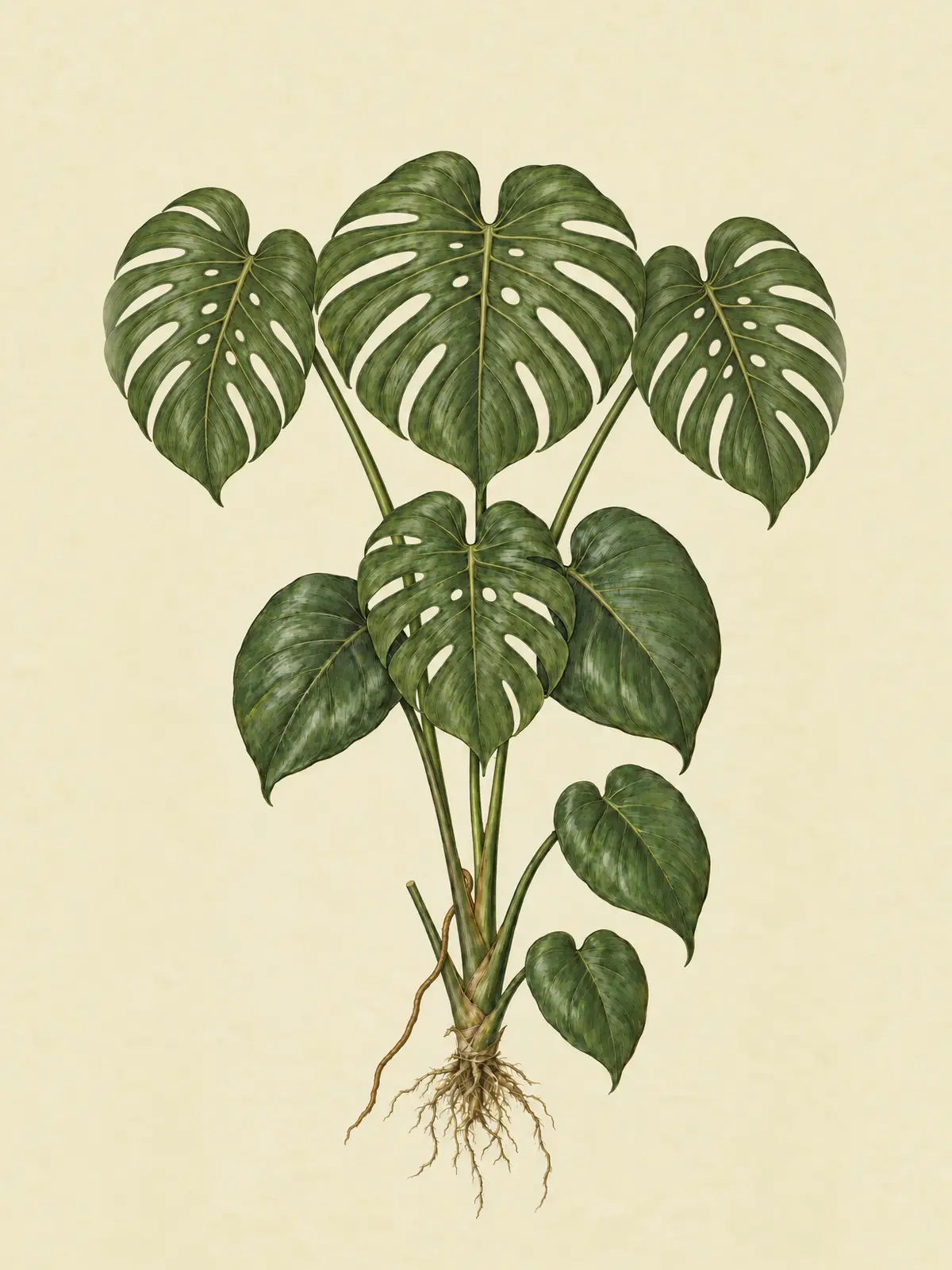
The Monstera’s page opens on its species plate, growing in the living room, and Ask Petunia opens a chat about it. Rebuilt from the app source code Illustrative chat
You: I don’t know how much to water this.
Petunia: Water when the top 2–3 cm of soil feels dry. In your east-facing living room this spring that’s often about once a week, but let the soil decide 💧
Act two
Summer
Jul 8 · Act two · Summer
Every watering, logged
Each time Avery waters, one tap saves it on the plant, with the date.
Home in mid summer, then the Care tab: water when the top 2–3 cm of soil is dry, and I watered today. Rebuilt from the app source code Jul 24 · Act two · Summer
A new leaf
Avery saves a photo and a note: new leaf coming, rolled up like a cigar.
A photo of the new leaf goes into the plant’s library, and a personal note: New leaf coming, rolled up like a cigar. Rebuilt from the app source code Aug 18 · Act two · Summer
Why the holes?
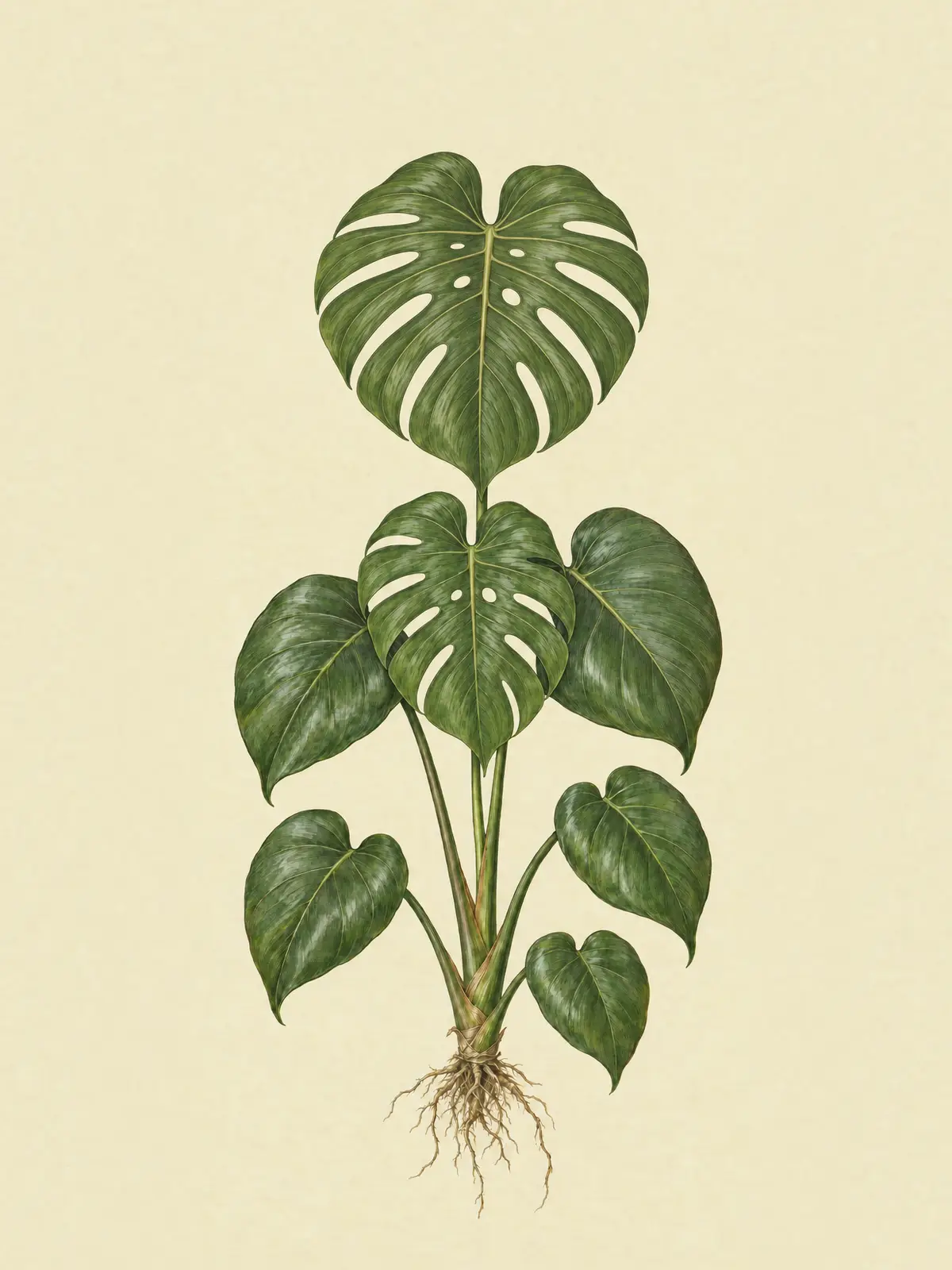
The new leaf opens with holes in it. Avery sends Petunia a photo and asks why.
A chat with a photo of the new leaf. Rebuilt from the app source code Illustrative chat
You, with a photo: Why does my leaf have holes?
Petunia: Those are fenestrations 🌿 Young Monsteras grow whole leaves and start splitting as they mature in good light. Your east window is doing its job.
Act three
Winter trouble
Sep 20 · Act three · Autumn
A seasonal note
Petunia’s seasonal note on Home says growth slows in autumn, so most plants need less water. Avery keeps watering every week.
Home in early autumn, with Petunia’s seasonal note: 72 days until winter, and less water from here. Rebuilt from the app source code Jan 8 · Act three · Winter
A yellow leaf
Avery asks why a leaf is turning yellow. Petunia checks the care log for a likely cause.
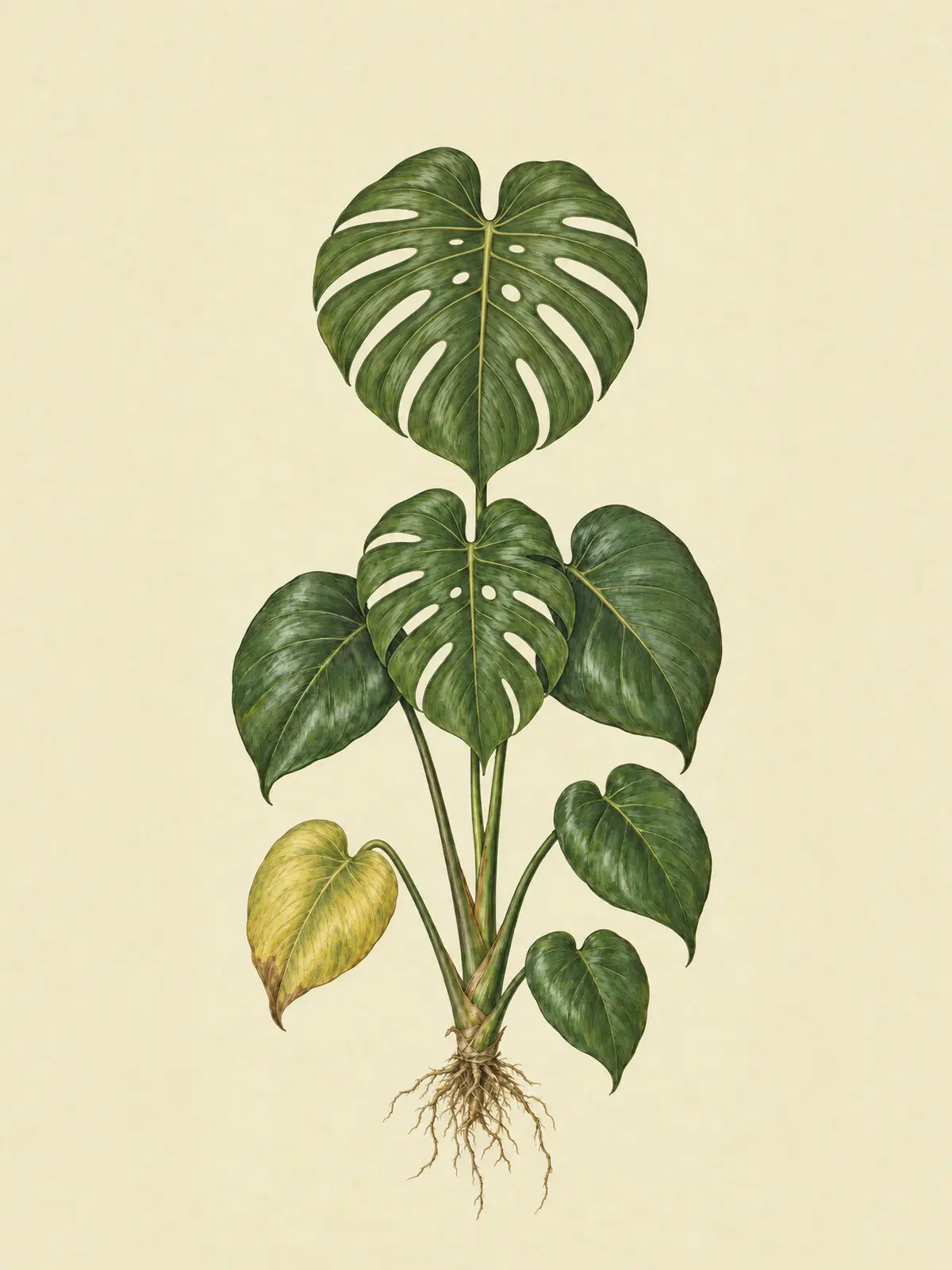
Home in mid winter, then a detailed answer about the yellow leaf, with a photo. Rebuilt from the app source code Illustrative chat
You, with a photo: Oh no, a leaf is going yellow. What’s going on?
Petunia: It’s most likely too much water for the season. Your log shows waterings on 22 and 29 December and 5 January, the same rhythm as summer, and in winter light your living room dries far more slowly. The roots sit wet and the oldest, lowest leaf yellows first. Let the top 5 cm dry before the next drink, and once the leaf is fully yellow, cut it close to the stem. If the next new leaf comes in green, you’re back on track 🌱
Feb 12 · Act three · Winter
Back on track
Avery cuts off the yellow leaf, waters less often, and logs both.
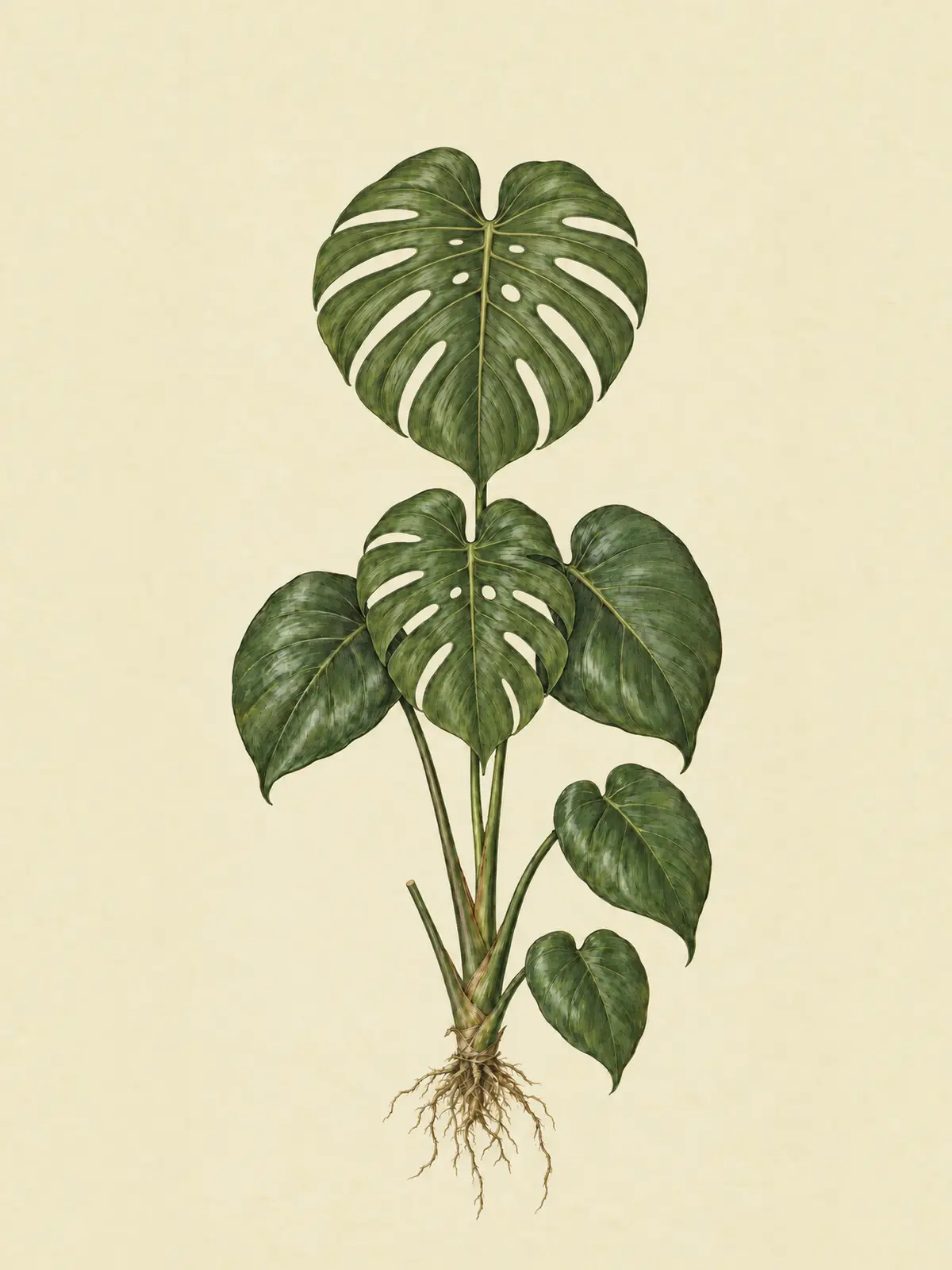
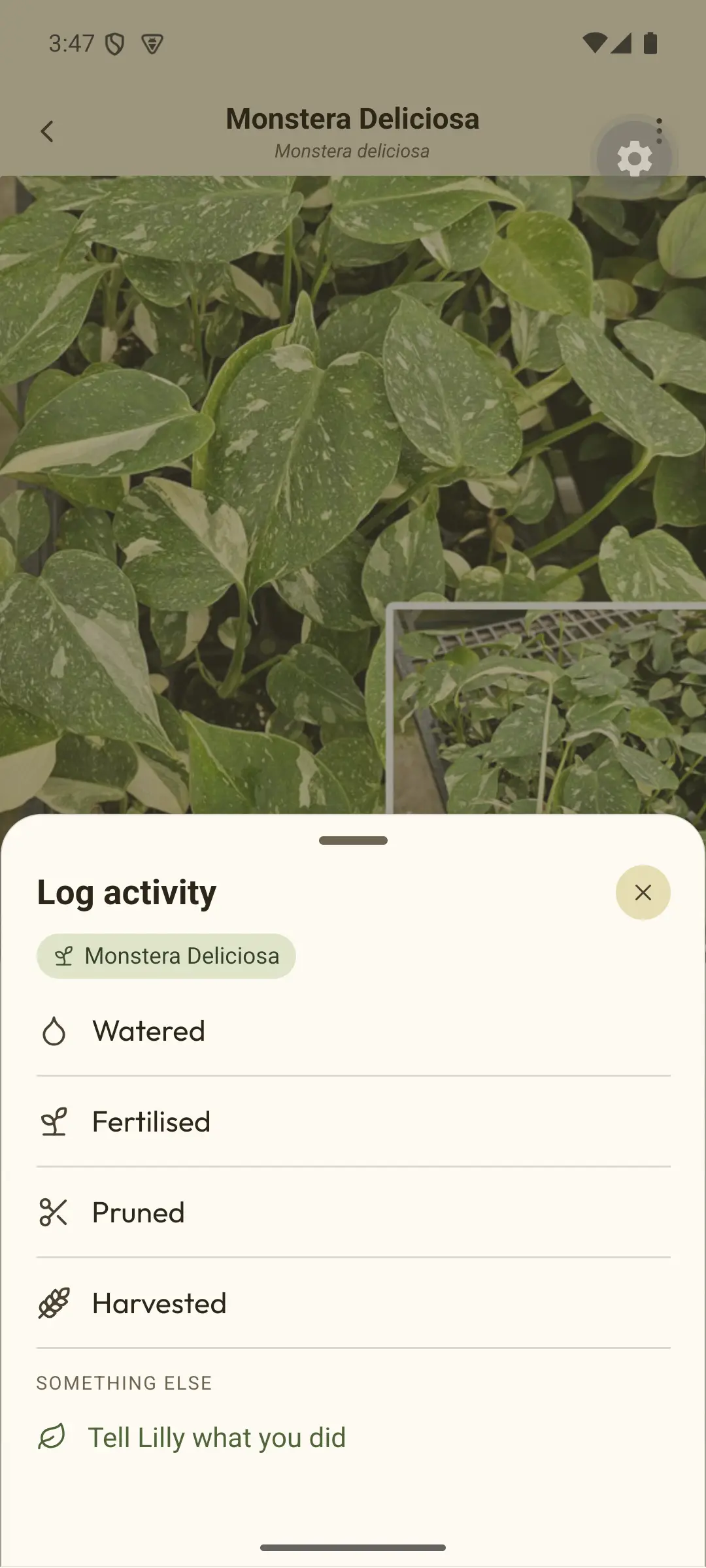
Log activity: Pruned, with the note Cut the yellow leaf close to the stem. Then the Care tab, where the waterings have spread out. Rebuilt from the app source code Act four
A year on
Mar 17 · Act four · Spring
A year on
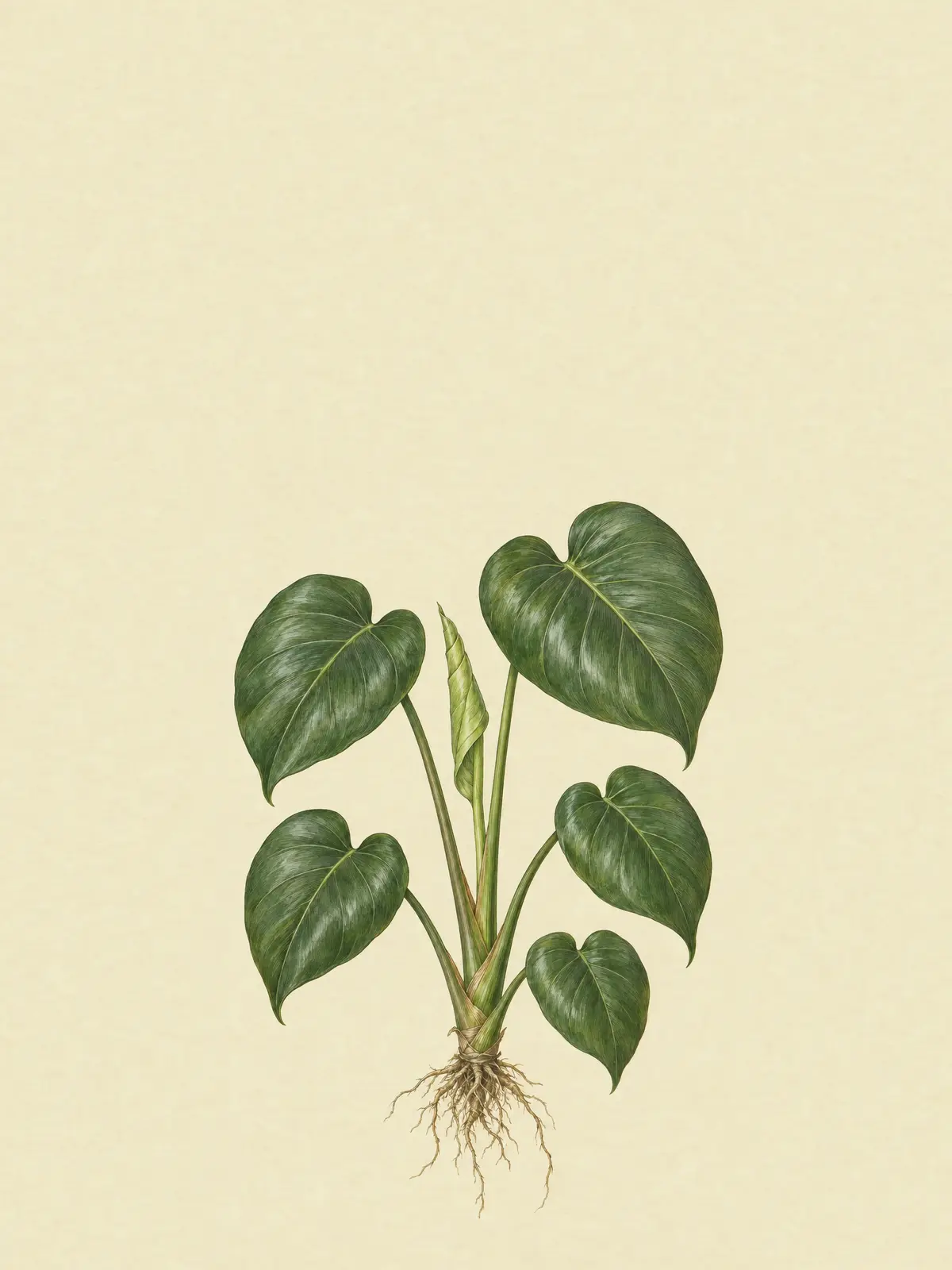
A year after coming home, the Monstera has more split leaves, and a year of notes to look back on.
The Growth tab: you’re here, and 364 days growing. Rebuilt from the app source code Mar 18 · a year on · Act four · Spring
Should I water?
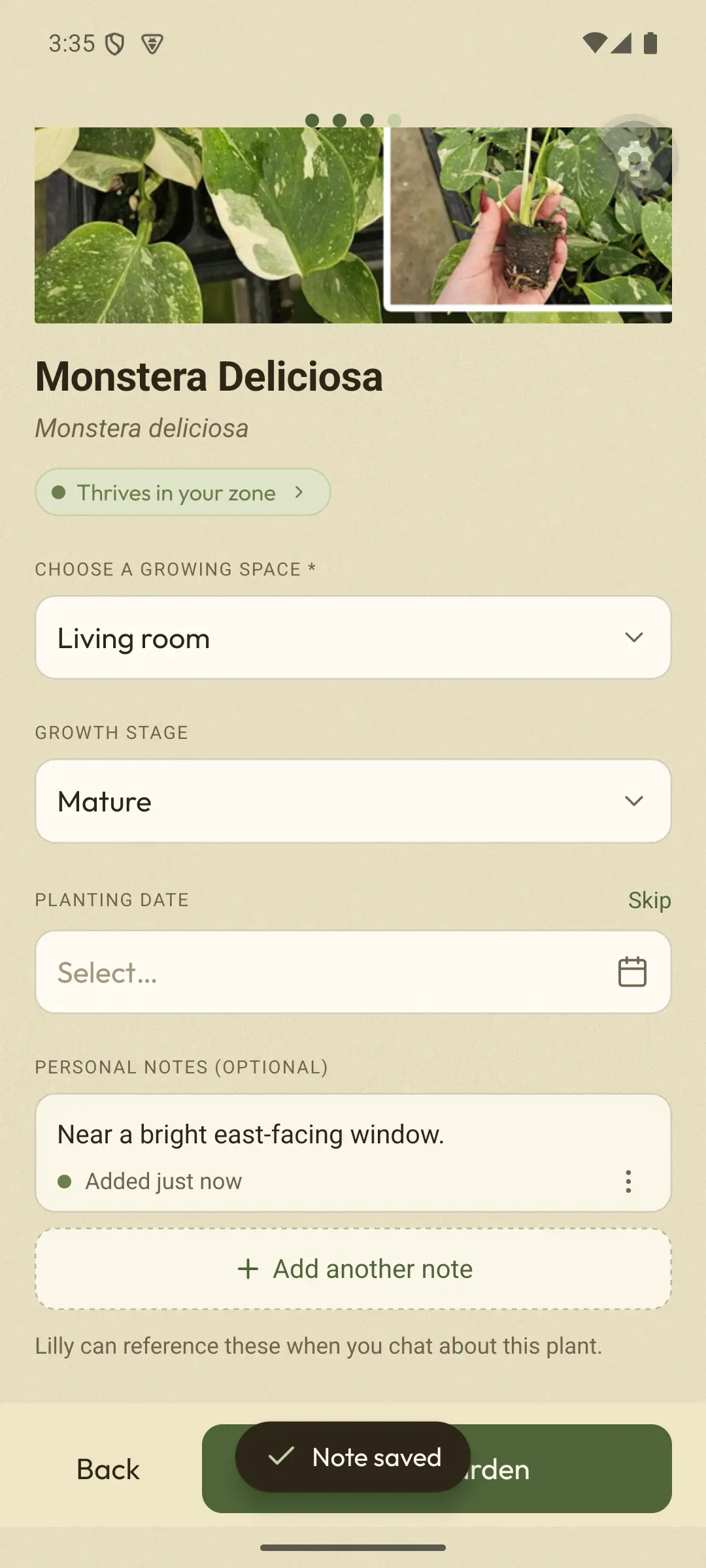
A year ago the answer was “about once a week”. Now Petunia can see that Avery watered it this morning.
A chat about the plant: should I water it today? Not today: you gave it a thorough drink this morning. Rebuilt from the app source code Illustrative chat
You: Should I water my plant today?
Petunia: Not today – you gave it a thorough drink this morning and let it drain 💧 Monsteras like the top few centimetres of soil to dry out between waterings.
Adapted from a real answer in the Android beta.
The more you log,
the better Petunia knows your plant.
Free to sign up. On Android, we’ll email you the Google Play testing link when it’s live. On iPhone, we’ll email you once when it’s ready.